-20%
🔥 La Tecnologia è il tuo forte?

Blueendless SD07 M.2 Dual-Bay Hard Drive Enclosure NVMe Offline Cloning Device, Spec: Without RGB Light(US Plug)
0 venduti
🔥 La Tecnologia è il tuo forte?(-20%)
47,43 €59,29 €-20%
💰 Risparmi 11,86 €
Disponibile
Quantità:
1
🔒Pagamento Sicuro
↩️Reso Gratuito
💬Supporto 24/7
📋 Descrizione
1. Supported capacity: single drive supports 4TB, total capacity 8TB
2. Transfer rate: 20Gbps
3. Supported drives: M.2 NVMe 2230/2242/2260/2280/22110
4. Material: ABS
5. Power supply: 5V 3A
6. Size: About 10.2 x 6.6 x 1.3cm
Features:
1. No computer connection needed. simply insert two drives into the dock, press the copy button, and data from the source drive will transfer to the target drive—making backups effortless (note: both drives must use the NVMe protocol)
2. Transfers 1GB files in about 1 second for high-speed data transfer and improved productivity
3. Plug-and-play design requires no installation; simply connect to operate, making multiple drive swaps effortless
4. Robust 5V 3A power supply ensures full-load operation without damaging drives
5. Vertical design accommodates 5 different M.2 NVMe SSD sizes without dimensional constraints
6. Supports simultaneous read/write of 2 M.2 drives, expandable up to 8TB for massive video, file, and game storage
7. Open-frame design ensures 360-degree unobstructed heat dissipation, preventing overheating and lag
8. Ideal for both entertainment and office use
9. Plug-and-play operation with no drivers required; broad compatibility supports multiple devices
10. LED indicator clearly displays copy progress
11. Four silicone feet on the bottom provide stable, wear-resistant, and non-slip contact with surfaces
12. Eco-friendly materials, scratch-resistant, drop-proof, and fast heat dissipation
Offline cloning operation guide:
1. After connecting the hard drive and power adapter, press and hold the Clone button until all lights flash (confirmation mode). Release and press once more (confirm start) to begin cloning
2. All indicator lights flash during copying, indicating cloning has started or data is being read/written
3. Cloning progress: 25%, 50%, 75%, 100% lights illuminate sequentially. After 100%, the last four percentage indicators remain lit, signifying completion
Potrebbe Piacerti Anche
Altri prodotti in Computer & Networking
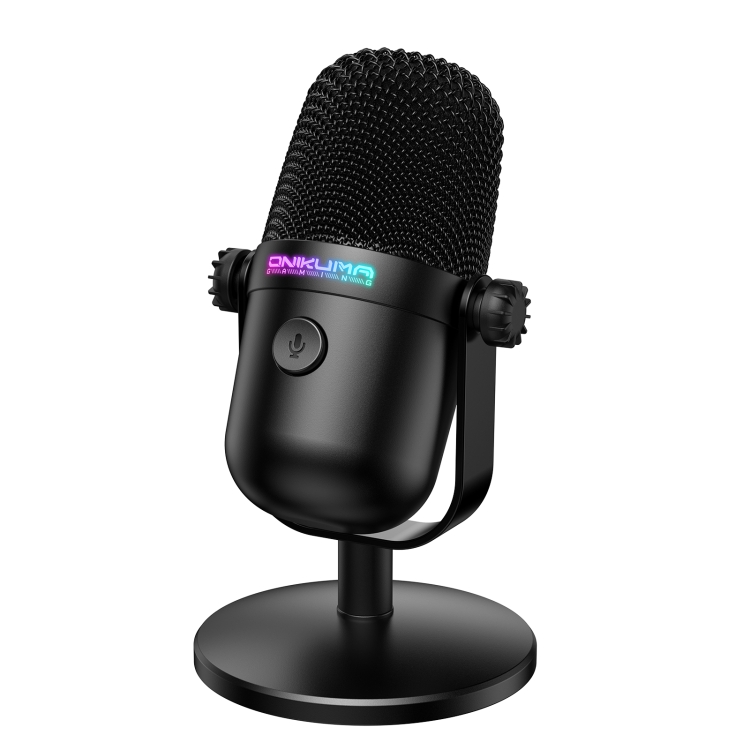
ONIKUMA M830 USB Desktop Colorful RGB Condenser Microphone
23,69 €
🚚 Spedizione gratuita
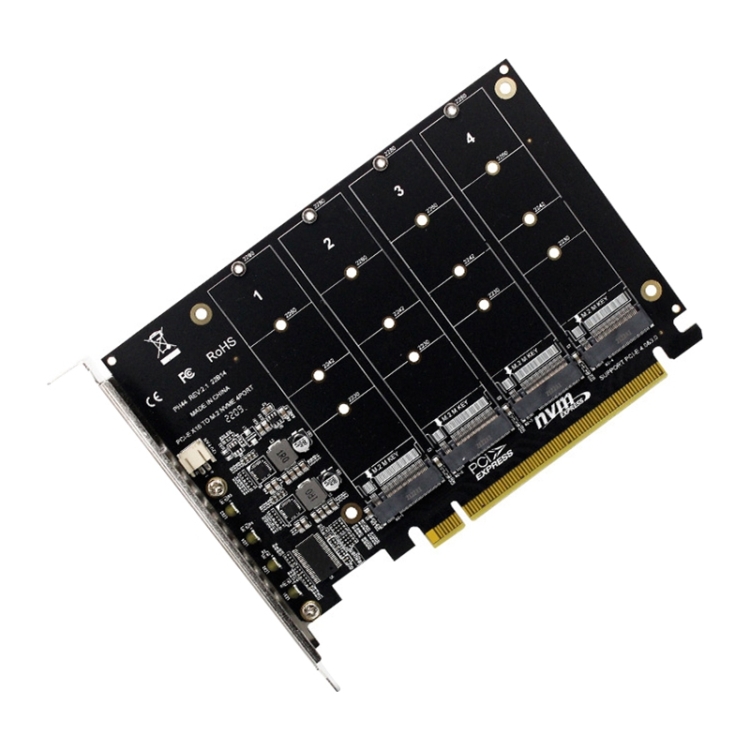
PH44 NVME 4 Disk Array Card PCI-E Signal Split Array Card
27,09 €
🚚 Spedizione gratuita
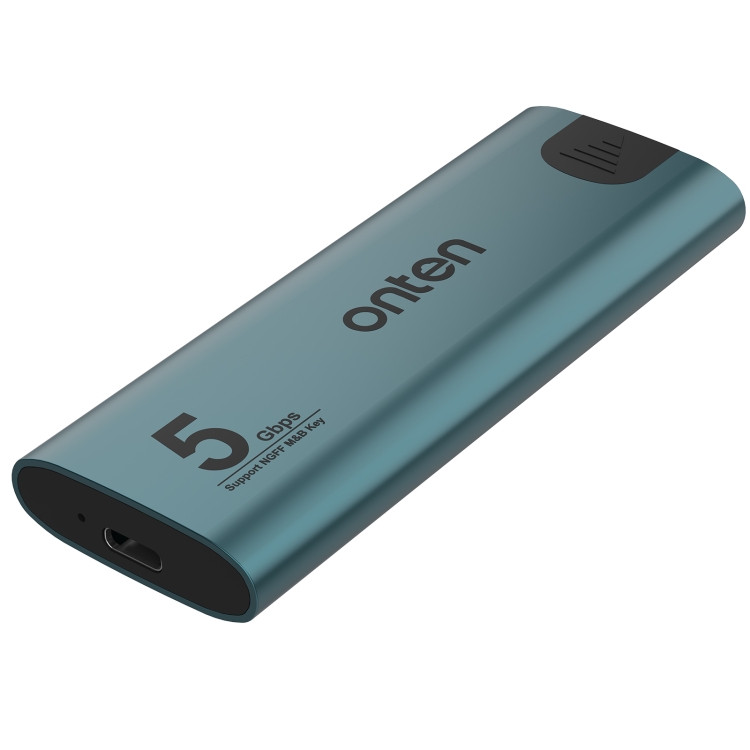
Onten UCA321 5Gbps M.2 M-key NGFF SSD Enclosure
18,74 €
🚚 Spedizione gratuita
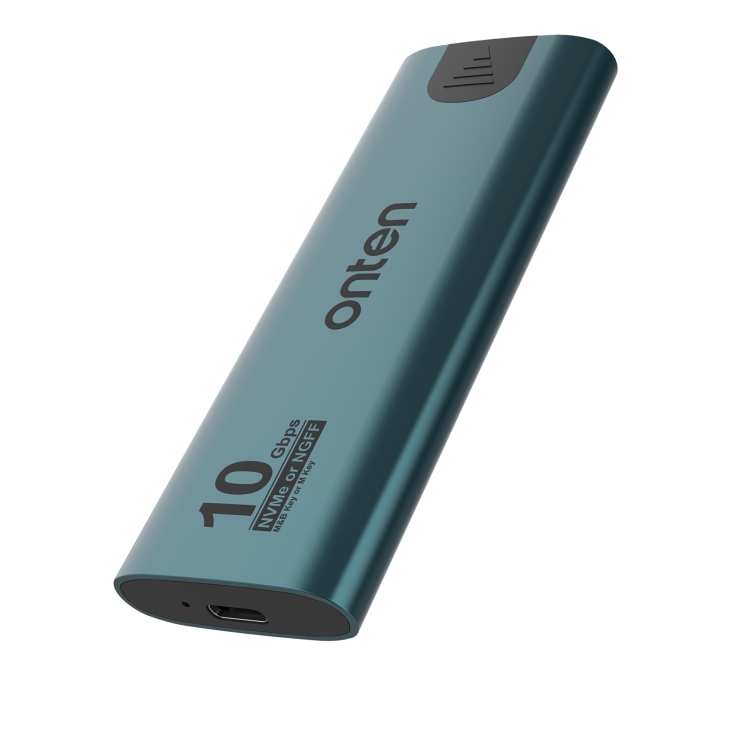
Onten UCA322+ 10Gbps M.2 M-key NVMe NGFF SSD Enclosure
24,20 €
🚚 Spedizione gratuita
ORICO-H5 2.5 inch Mondrian-Inspired Portable Type-C External SSD, Memory:128GB
38,82 €
🚚 Spedizione gratuita
AKZ-022 USB + 3.5mm Port Cat Ear Design Foldable LED Headset with Mic(Pink)
26,66 €
🚚 Spedizione gratuita

AKZ-022 USB + 3.5mm Port Cat Ear Design Foldable LED Headset with Mic(Black)
26,66 €
🚚 Spedizione gratuita
AKZ-022 USB + 3.5mm Port Cat Ear Design Foldable LED Headset with Mic(Grey)
26,66 €
🚚 Spedizione gratuita